
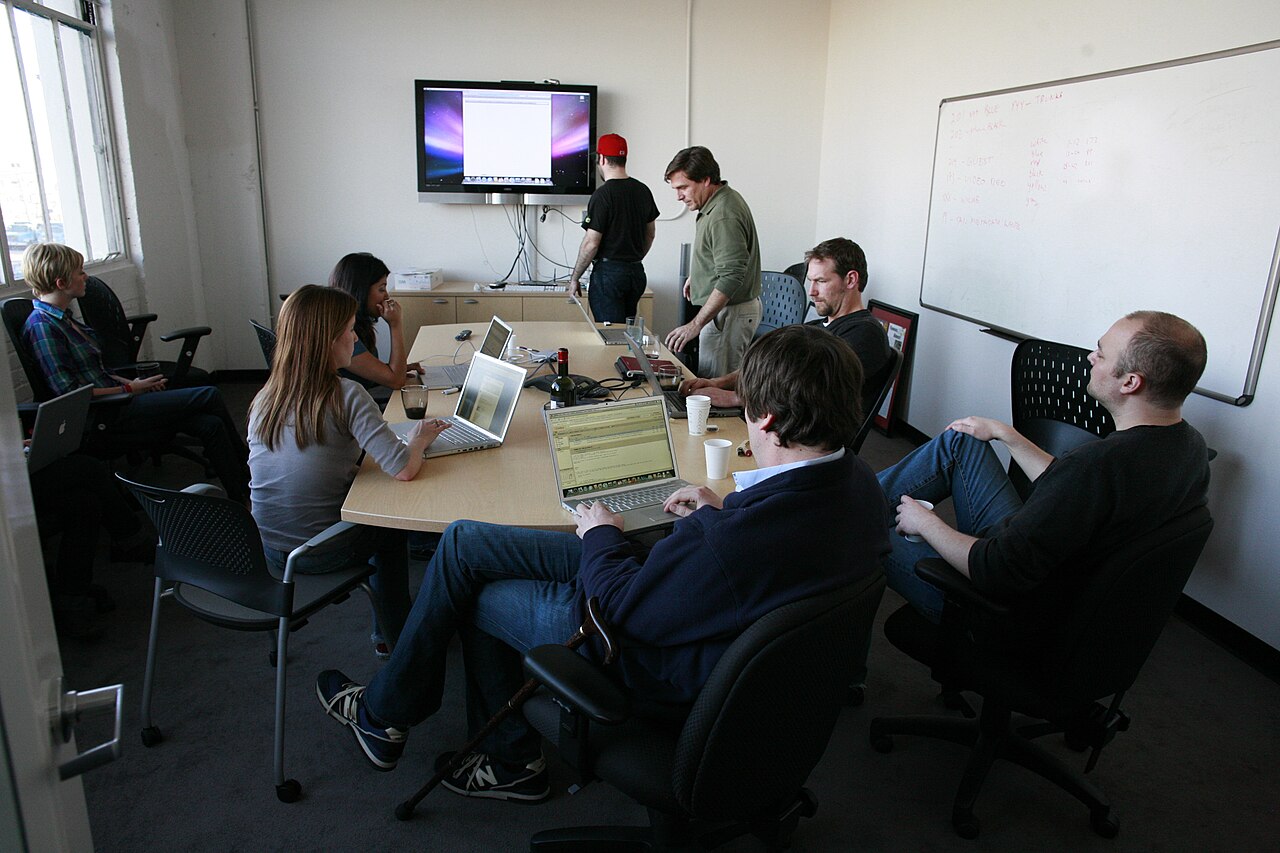
Is constant worry about your business getting hacked and being in the news for bad reasons wearing you down? Most security spending goes into finding vulnerabilities after software is built — scanners, penetration tests, bug bounties. All valuable. But design flaws found at that stage are expensive to fix. Threat modeling finds them while they are still lines on a whiteboard.
In this guide we explain the process we use when we improve our clients’ security posture — a lightweight, repeatable workshop that any software team can adopt.
What threat modeling is (and isn’t)
Threat modeling is a structured way to answer four questions:
- What are we building?
- What can go wrong?
- What are we going to do about it?
- Did we do a good enough job?
It is not a compliance document written once and filed away, and it doesn’t require a security PhD. The best threat models are created by the engineers who build the system, with a security-minded facilitator.
When to do it
- At the design stage of a new system or major feature
- Before exposing a system to the internet or to partners
- When adding a new data store, integration, authentication flow or AI component
- After a security incident
- Periodically (for example, yearly) for critical systems
Step 1: Draw a data flow diagram
Sketch the system at a level of detail where you can see:
- External entities: users, administrators, partner systems, third-party APIs
- Processes: web apps, APIs, background workers, functions
- Data stores: databases, caches, queues, object storage, logs
- Data flows: arrows showing what data moves where, and over which protocol
- Trust boundaries: lines where the level of trust changes — internet to DMZ, app to database, your cloud account to a vendor’s
Trust boundaries are where most threats live. Any data crossing a boundary must be authenticated, authorized and validated.
Step 2: Identify threats with STRIDE
STRIDE is a mnemonic for six threat categories. Walk through each element and flow in your diagram and ask how each category might apply.
| Threat | Violates | Example question | Typical mitigations |
|---|---|---|---|
| Spoofing | Authentication | Can someone pretend to be another user or service? | MFA, strong session management, mutual TLS, signed tokens |
| Tampering | Integrity | Can data be modified in transit or at rest? | TLS, signatures, checksums, input validation, immutability |
| Repudiation | Non-repudiation | Could someone deny performing an action? | Audit logs, tamper-evident logging, timestamps |
| Information disclosure | Confidentiality | Can data leak to someone not authorized? | Encryption, access control, data minimization, error handling |
| Denial of service | Availability | Can the system be overwhelmed or blocked? | Rate limiting, quotas, autoscaling, timeouts |
| Elevation of privilege | Authorization | Can someone gain more rights than intended? | Least privilege, object-level authorization, sandboxing |
Step 3: A worked example
Consider a simple SaaS feature: customers upload invoices (PDFs), a background worker extracts data, and results appear in a dashboard.
Elements: customer browser → web API → object storage → queue → extraction worker → database → dashboard.
Threats discovered in a one-hour session might include:
- Spoofing: session tokens stored in local storage could be stolen via cross-site scripting → use secure, HTTP-only cookies and a strict Content Security Policy.
- Tampering: a malicious PDF exploits the parsing library → run the worker in an isolated sandbox with no access to other tenants’ data, keep the library patched, limit file size and type.
- Repudiation: a customer claims they never deleted an invoice → audit log of user actions with identity and timestamp.
- Information disclosure: storage URLs are guessable → private storage, short-lived signed URLs, tenant ID checked on every request.
- Denial of service: thousands of large uploads exhaust the worker → per-tenant quotas, queue limits, autoscaling with a cost ceiling.
- Elevation of privilege: the worker’s identity can write to all tables → a narrowly scoped role per function.
Each of these takes minutes to fix in design and days or weeks to fix after release.
Step 4: Rate and prioritize
Not every threat deserves equal attention. Use a simple scale — likelihood × impact, each from 1 to 3 — or your organization’s existing risk framework. Focus first on high-impact threats at trust boundaries, especially those affecting authentication, authorization and sensitive data.
Step 5: Decide what to do
For each threat choose one response:
- Mitigate: add a control (most common).
- Eliminate: remove the feature or data that creates the risk — the most effective option when possible.
- Transfer: rely on a provider or insurance, with clear responsibility.
- Accept: document the decision and the owner when the risk is low or mitigation is disproportionate.
Turn every mitigation into a backlog item with an owner. A threat model that does not produce tickets has not changed anything.
Step 6: Validate
- Write security test cases for each mitigation (for example, “user A cannot fetch user B’s invoice”).
- Include them in automated test suites where possible.
- Use penetration testing to verify the riskiest areas.
- Revisit the model when the architecture changes.
Threat modeling AI features
LLM-based features add new considerations: prompt injection through retrieved content, data leakage through over-broad retrieval, excessive permissions for tools and the cost of abuse. Treat the model as an untrusted component and retrieved documents as untrusted input. See our dedicated guide to securing enterprise AI assistants.
Making it a team habit
- Keep sessions short — 60 to 120 minutes — and focused on a specific feature.
- Invite developers, a tester, an architect and a product owner.
- Store the diagram and decisions next to the code.
- Add a “threats considered?” item to your design review template.
- Celebrate design changes that removed risk; they are invisible wins.
Conclusion
Threat modeling turns security from a late-stage audit into a design skill. With a diagram, STRIDE and a bit of discipline, your team will catch the majority of serious design flaws before they reach production — at a fraction of the cost.
We can facilitate threat modeling workshops, review your architecture and help you build a multi-layered defense. Contact us for a free consultation.